Introduction
90% of online community users say community suggestions have been used to improve products and services(i).
As a result, businesses are increasingly relying on software tools that facilitate collaboration, improve productivity, and enhance customer experiences.
Online communities have become invaluable assets for companies looking to engage with customers, gather feedback, and build a loyal user base. On the other hand, Jira has established itself as a leading project management and issue-tracking platform.
Did you know that you can integrate these platforms to bridge the gap between community feedback and project management? In this blog post, you’ll learn about the importance of integrating online communities & Jira and how it can transform business operations.
So, let’s begin!
TL;DR:
- Integration creates a direct pipeline from customer feedback to product development, automatically capturing ideas and issues from the community and syncing them with Jira.
- Key reasons include fixing inefficient feedback collection, poor collaboration, low transparency, excessive manual work, and slowed product development.
- Integration reduces the manual burden across community, support, and product teams by automating the flow of feedback into actionable tasks.
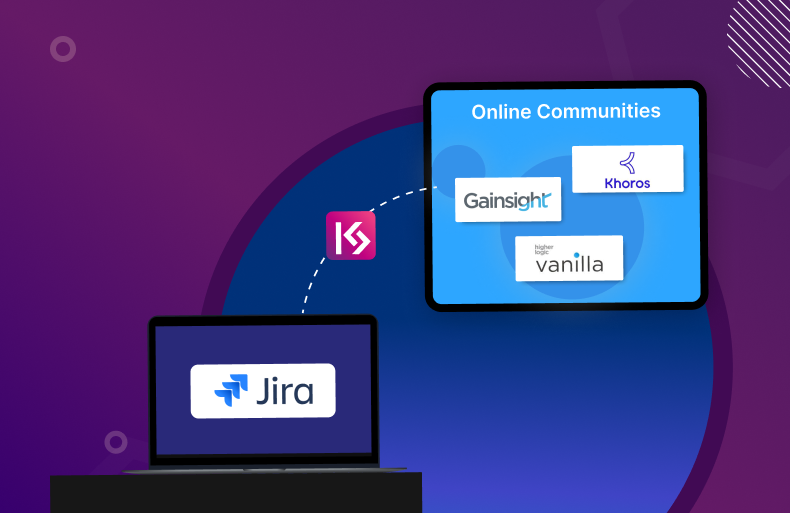
- KaseSync acts as a bridge that synchronizes ideas and feedback from online communities directly with Jira.
- Features include comprehensive field sync, flexible mapping/configuration, threshold-based synchronization, bidirectional data flow, private comment handling, manual/automatic sync options, author alteration of idea details, and logging/monitoring.
- The top three integrations highlighted are Bettermode-Jira, Gainsight-Jira, and Khoros-Jira, each automating the flow of community feedback into Jira tasks.
The Basics of Online Community-Jira Integration
Before delving into the reasons for integrating online communities & Jira, it’s essential to understand the basics of this integration.
An online community is a platform where customers, users, and stakeholders can interact, share ideas, and provide feedback.
Jira, on the other hand, is a robust tool used by teams to manage tasks, track issues, and develop software. By integrating an online community with Jira, you can create a direct pipeline from customer feedback to product development. This integration allows you to automatically capture ideas, suggestions, and issues from the online community and sync them with Jira for prioritization and resolution.
Essentially, it turns community interactions into actionable tasks within Jira, ensuring no valuable input is lost in the process.
Why Integrate? The Power of Connecting Online Communities & Jira
There are several reasons why you should integrate online communities & Jira:
Inefficient Feedback Collection
Community members provide valuable insights that can shape product development. By integrating your online community with Jira, you ensure that this feedback is funneled directly into your project management system.
Ineffective Collaboration
Integration fosters better communication between customer support, community managers, and development teams. Everyone is on the same page regarding what customers are saying and how those inputs are being addressed.
Poor Transparency
Customers appreciate the fact that their feedback is being taken seriously. When suggestions from the online community are tracked in Jira, it builds trust and transparency.
Increased Manual Work
Manually syncing information from an online community to Jira can be time-consuming and prone to errors. Automation through integration eliminates this burden, allowing teams to focus on more strategic tasks.
Slowed Product Development
With direct input from users being funneled into Jira, product teams can prioritize features and fixes based on real customer needs, speeding up the development cycle.
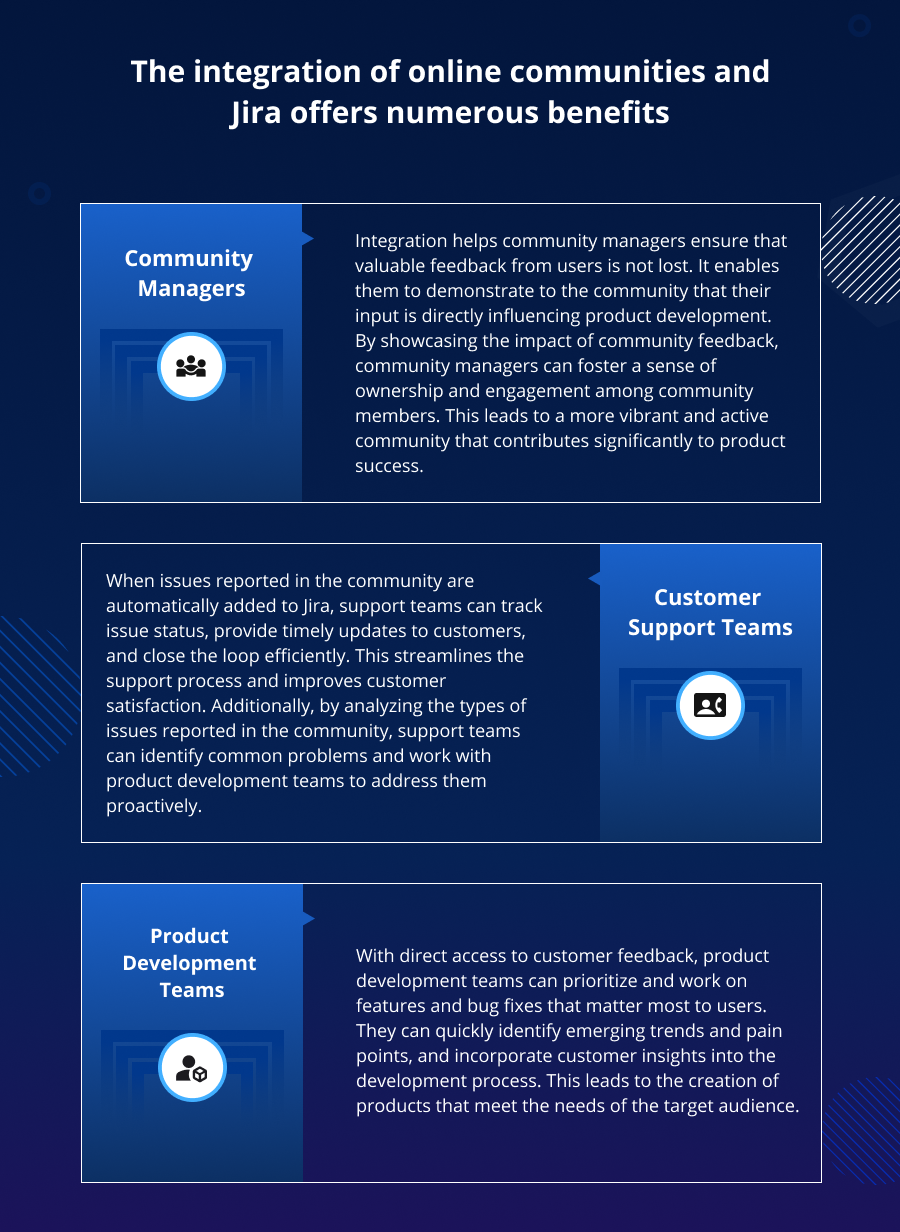
Reducing Manual Work for Community, Support & Product Teams
The integration of online communities and Jira offers numerous benefits:
Introducing KaseSync for Seamless Online Community-Jira Synchronization
For organizations looking to streamline communication within their online communities, KaseSync is a tool designed to synchronize ideas and feedback from online communities directly with Jira.
It acts as a bridge between your online community and Jira, ensuring that customer inputs are captured and acted upon efficiently.
Here are the 8 key features of KaseSync that turns ideas into action:
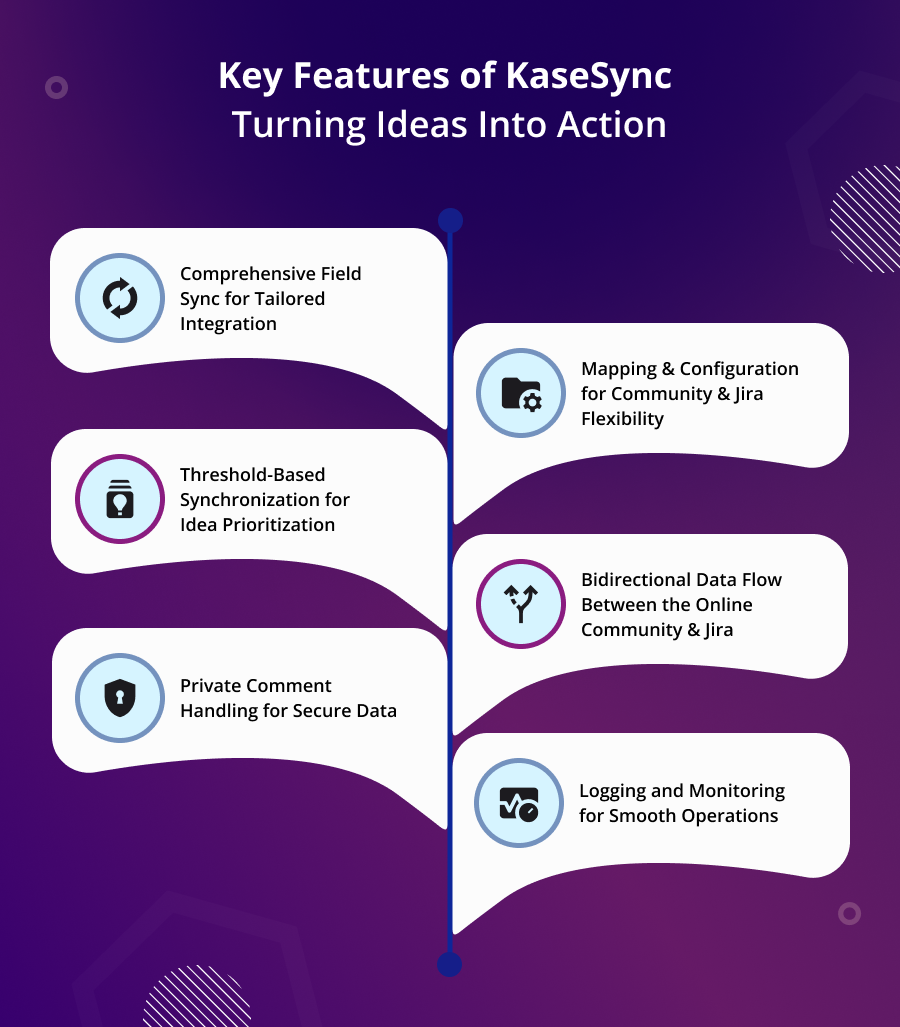
1. Comprehensive Field Sync for Tailored Integration
Sync a wide range of standard fields such as subject, description, status, attachments, tag, label, vote, and comments between your online community & Jira.
Sync custom fields to tailor the integration to your specific use case.
2. Mapping & Configuration for Community & Jira Flexibility
Configure mapping between online community boards and Jira projects on an intuitive admin portal, and define which ideas should be synced to which project.
Map flexibly between community and Jira statuses, accommodating variations in terminology and workflow stages across platforms.
3. Threshold-Based Synchronization for Idea Prioritization
Define when synchronization should occur based on criteria such as vote count, comment count, and post time, with configurable thresholds.
Set thresholds to trigger synchronization automatically when certain conditions are met, ensuring that relevant and impactful ideas are converted into Jira tickets.
4. Bidirectional Data Flow Between the Online Community & Jira
Get the flexibility to select from unidirectional and bidirectional data flow to best fit your workflow and collaboration needs.
With bidirectional synchronization, you can enable updates made in either platform to be reflected in the other, facilitating seamless collaboration and data consistency.
5. Private Comment Handling for Secure Data
Configure patterns for private comments that should not be synced between your online community and Jira, ensuring that sensitive information remains secure.
Get granular control over comment synchronization to prevent unauthorized access to confidential data and maintain compliance with privacy regulations.
6. Manual & Automatic Synchronization for Requirement-Based Customization
Choose between manual and automatic synchronization to customize based on your preferences and requirements.
Trigger synchronization manually with manual mode, exercising control over when ideas are converted into Jira tickets.
7. Author Alteration of Idea Details for Information Accuracy
Alter the original details of an idea before converting it into a Jira ticket, enhancing the completeness and accuracy of the information.
Append missing details and clarify ambiguous information, ensuring that Jira tickets contain all the necessary information for effective implementation.
8. Logging and Monitoring for Smooth Operations
Enable logs for monitoring, including the number of ideas converted into Jira tickets and any synchronization failures.
Facilitate troubleshooting and performance optimization by identifying issues and inefficiencies in the synchronization process, ensuring smooth and reliable operations.
Top 3 Integrations for Community Feedback and Jira Management
Let’s now look at the top online community-Jira integrations that enhance collaboration between community and development teams:
1. Bettermode Jira Integration
Integrating the Bettermode community platform with Jira enables you to capture ideas, suggestions, and issues from the community and automatically create Jira tasks. This integration also supports custom workflows, ensuring that information is routed to the right teams.
2. Gainsight Jira Integration
You can integrate Gainsight’s customer success platform with Jira to align community feedback with product development. This integration enhances customer retention and satisfaction by directly addressing concerns raised in online community forums.
3. Khoros Jira Integration
By integrating Khoros with Jira, you can automate the process of turning community feedback into actionable Jira tasks. This ensures that product teams are informed about what customers are saying.
Conclusion
Integrating online communities & Jira is a strategic move for businesses looking to streamline workflows, enhance customer satisfaction & accelerate product development.
By bridging the gap between community feedback and project management, you can ensure that your business is always in tune with user needs and that no valuable input is overlooked.
The benefits of integrating your online community with Jira are clear—improved efficiency, better collaboration, and a more engaged customer base.
Statistics Reference:
(i) Higher Logic
Tags
Frequently Asked Questions
Yes, KaseSync is compatible with all versions of Jira.